> ## Documentation Index
> Fetch the complete documentation index at: https://docs.instaforge.app/llms.txt
> Use this file to discover all available pages before exploring further.
# Content planner
> Post ideas for the coming weeks, based on what worked on this account.
The content planner looks at how the account's posts did (likes, reach, saves and, most of all, which ones brought people who wrote and booked) and suggests posts for the coming weeks, with the best days and times.
 ## Make a plan
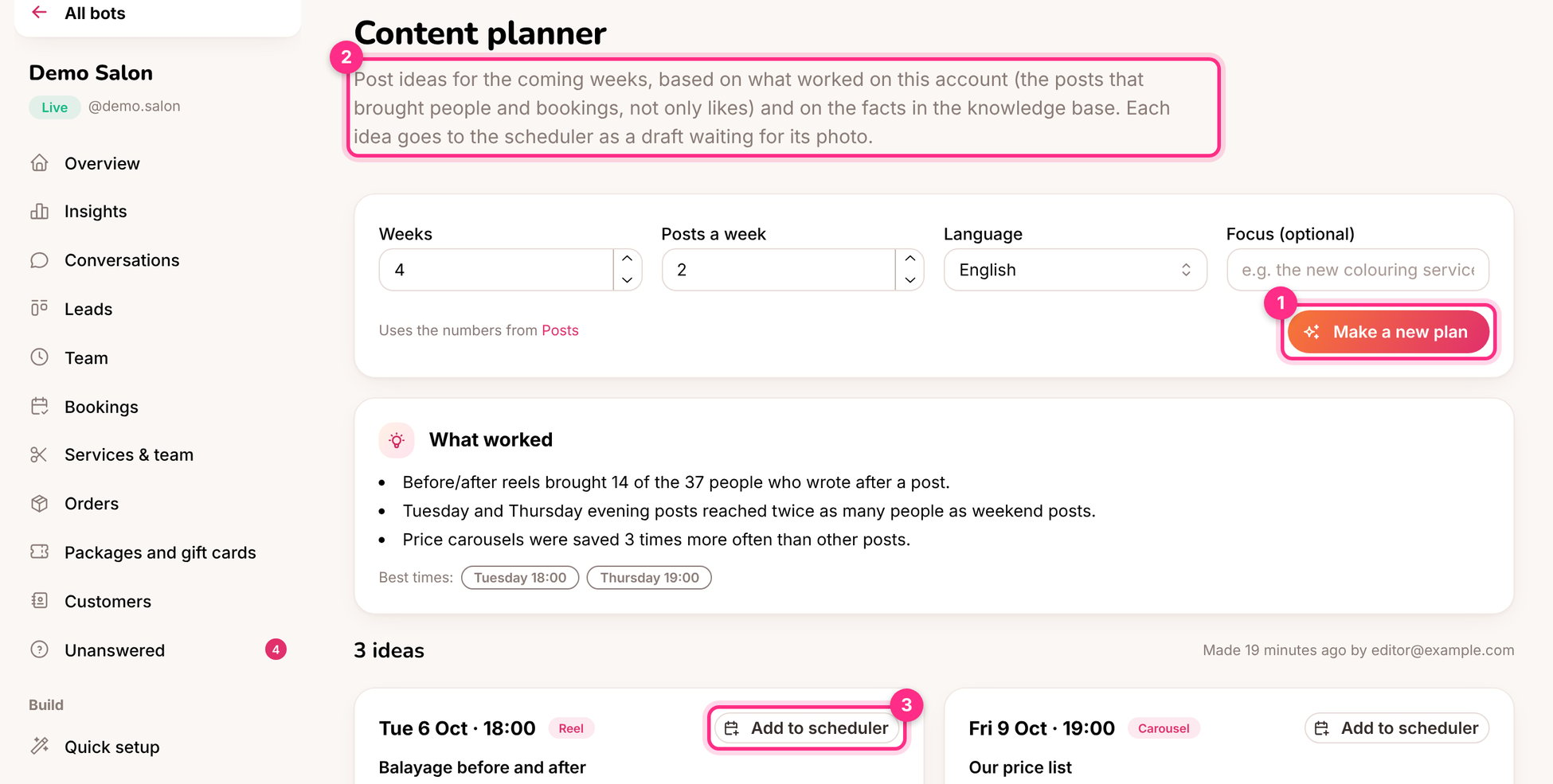
For example 4 weeks, 2 posts a week. Optionally add a focus: "autumn colours", "the new shop", "gift cards before the holidays".
You get **What worked** (2), the best times, and an idea for each slot: the type (reel, carousel, photo), the topic, why it should work, a ready caption and what to film or photograph.
The caption comes along. Add the photo or video and it's ready, or sent for approval.
The planner works best after a month of posts with [post results](/content/post-results) refreshed. For a brand-new account, give it a clear focus instead.
This documentation is built and hosted on [Mintlify](https://mintlify.com), a developer documentation platform.
## Make a plan
For example 4 weeks, 2 posts a week. Optionally add a focus: "autumn colours", "the new shop", "gift cards before the holidays".
You get **What worked** (2), the best times, and an idea for each slot: the type (reel, carousel, photo), the topic, why it should work, a ready caption and what to film or photograph.
The caption comes along. Add the photo or video and it's ready, or sent for approval.
The planner works best after a month of posts with [post results](/content/post-results) refreshed. For a brand-new account, give it a clear focus instead.
This documentation is built and hosted on [Mintlify](https://mintlify.com), a developer documentation platform.