

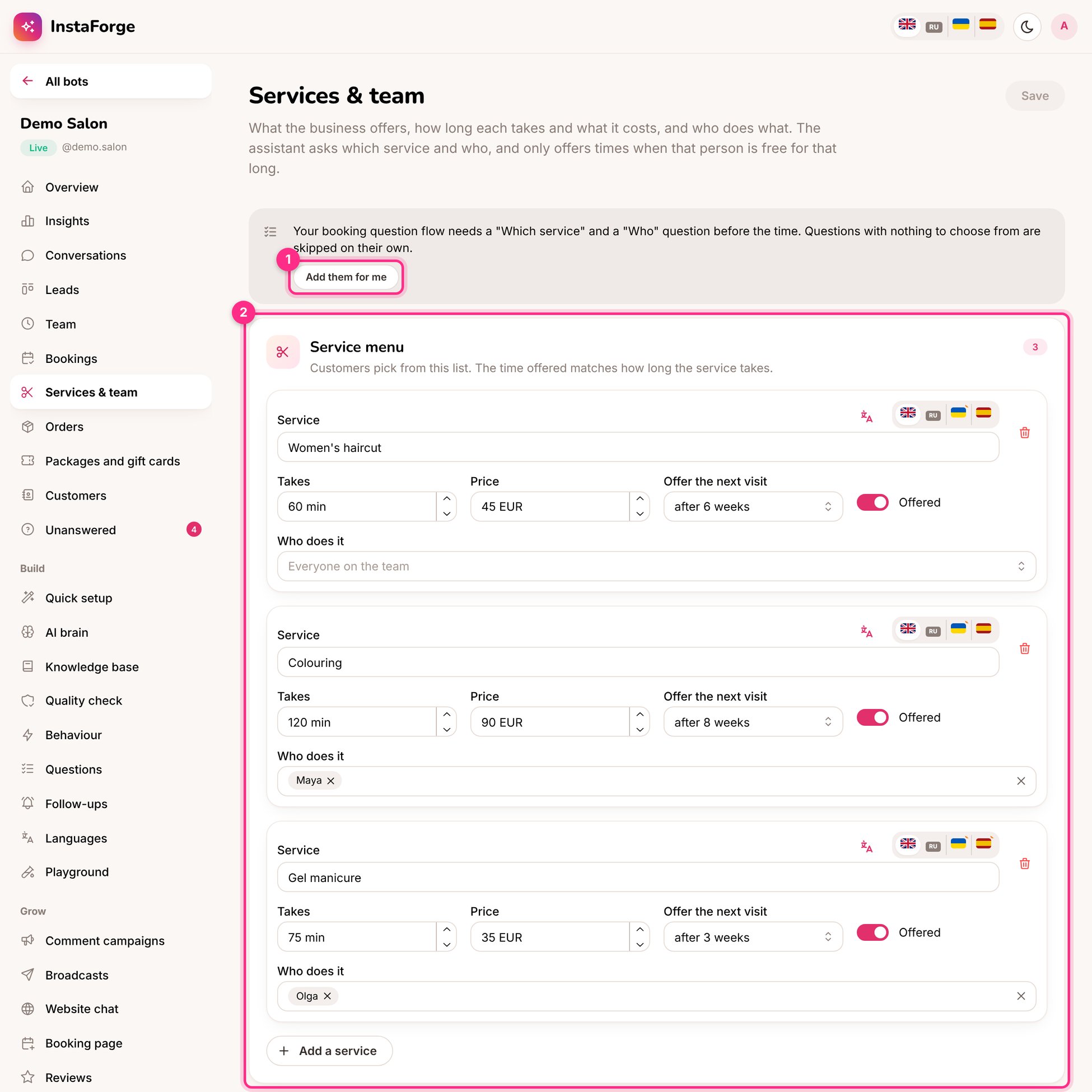
Services and team: add the booking questions (1) and the service menu (2)
Set up the menu
1
Add each service
Name (in each language), how long it takes, the price, and who does it. Leave Who does it empty if anyone can.
2
Choose when to offer the next visit
For example 6 weeks for a haircut. That many weeks after a visit, the assistant offers the next one. See Waiting list, reminders and extras.
3
Add the team
Each person can take bookings or not, and can have their own working hours (otherwise the business’s opening hours are used). Each person’s appointments are kept apart, so two people can be booked at the same time.
4
Connect the booking questions (1)
If the booking question flow doesn’t ask which service and who before the time, the page offers Add them for me.