

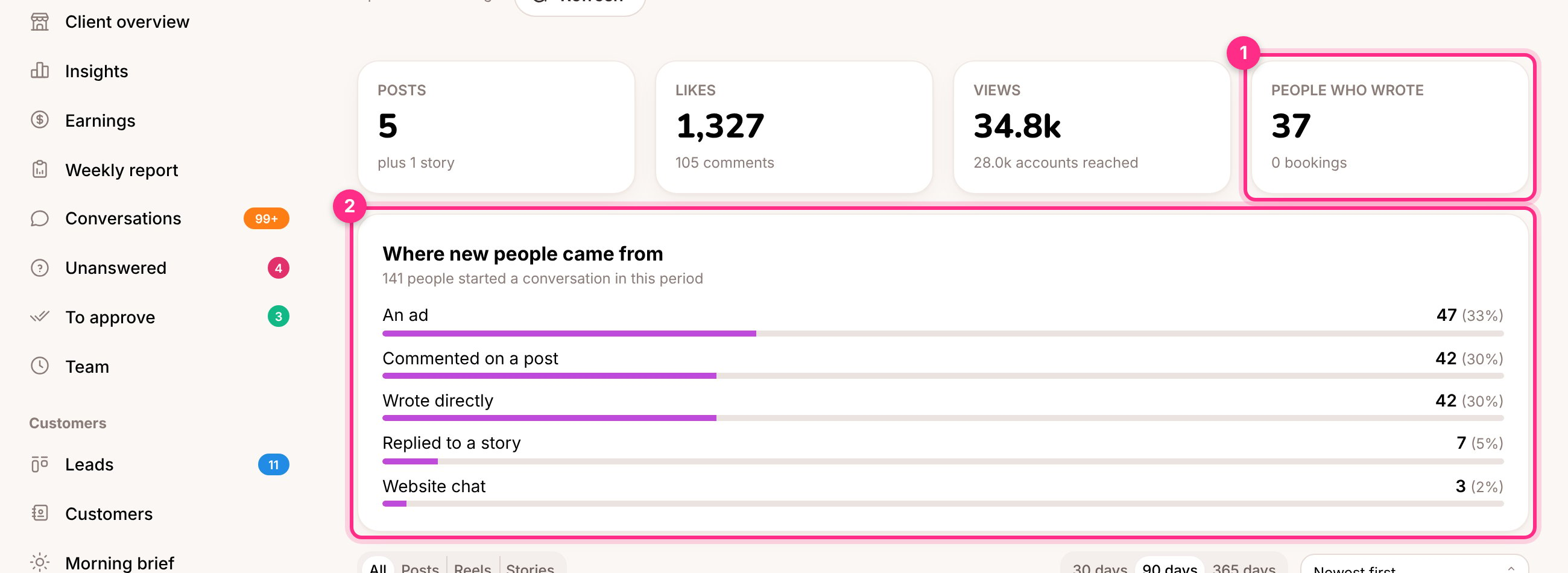
Posts: people who wrote (1) and where new people came from (2)
Where new people came from (2)
Every new conversation is traced to where it started: a comment on a post, a direct message, a story reply, an ad, the website chat or the booking page.How to use it
- Sort by people who wrote, not by likes. A post with 100 likes and 10 bookings beats one with 1,000 likes and none.
- Do more of what brought bookings. Before/after reels and price carousels are often the winners.
- Click Refresh to fetch the latest numbers from Instagram.
The same numbers feed the content planner and the client’s monthly report.