

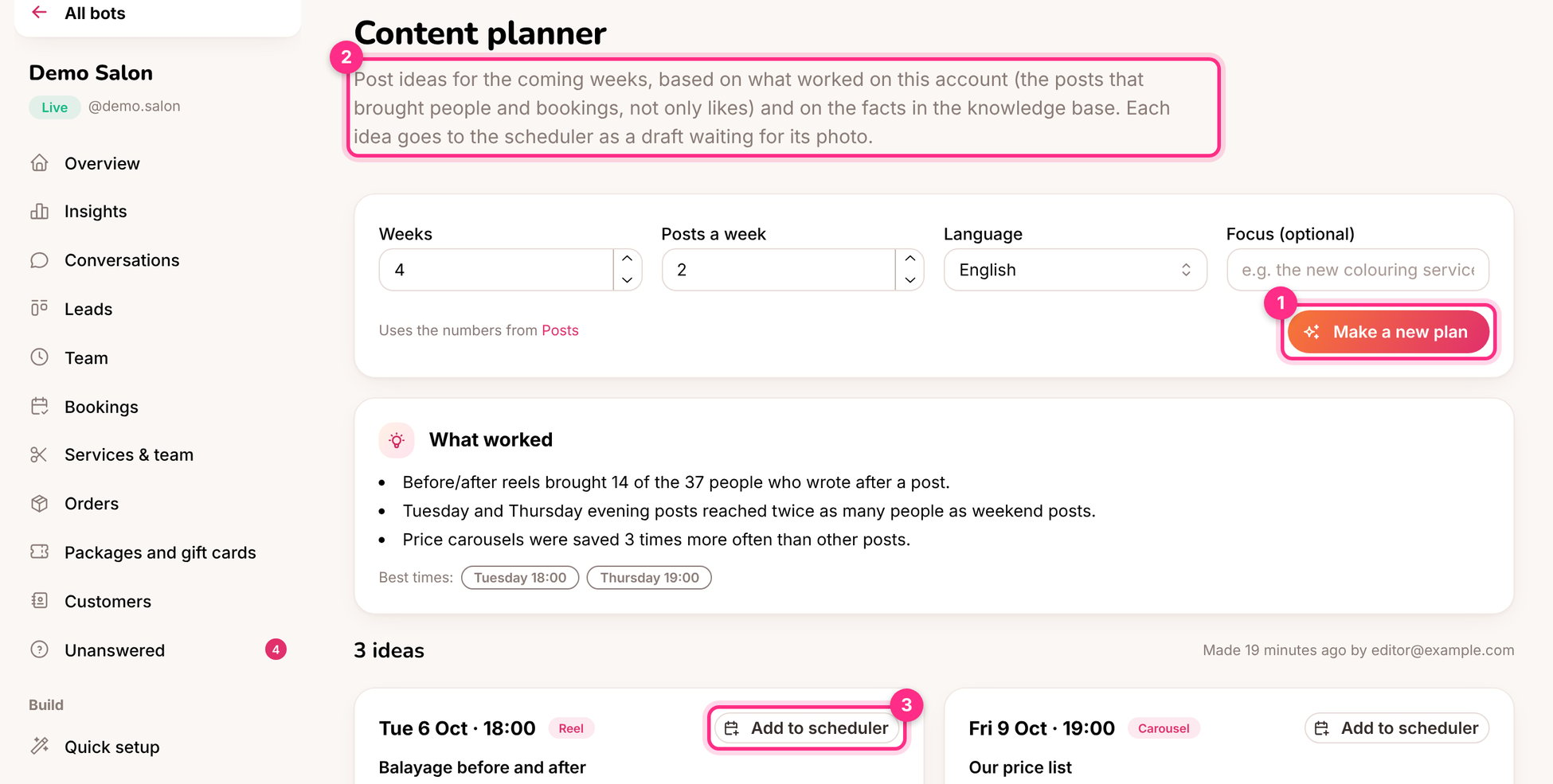
The content planner: make a plan (1), what worked (2) and add an idea to the scheduler (3)
Make a plan
1
Choose the weeks and posts a week
For example 4 weeks, 2 posts a week. Optionally add a focus: “autumn colours”, “the new shop”, “gift cards before the holidays”.
2
Click Make a new plan (1)
You get What worked (2), the best times, and an idea for each slot: the type (reel, carousel, photo), the topic, why it should work, a ready caption and what to film or photograph.
3
Add the ideas you like to the scheduler (3)
The caption comes along. Add the photo or video and it’s ready, or sent for approval.