

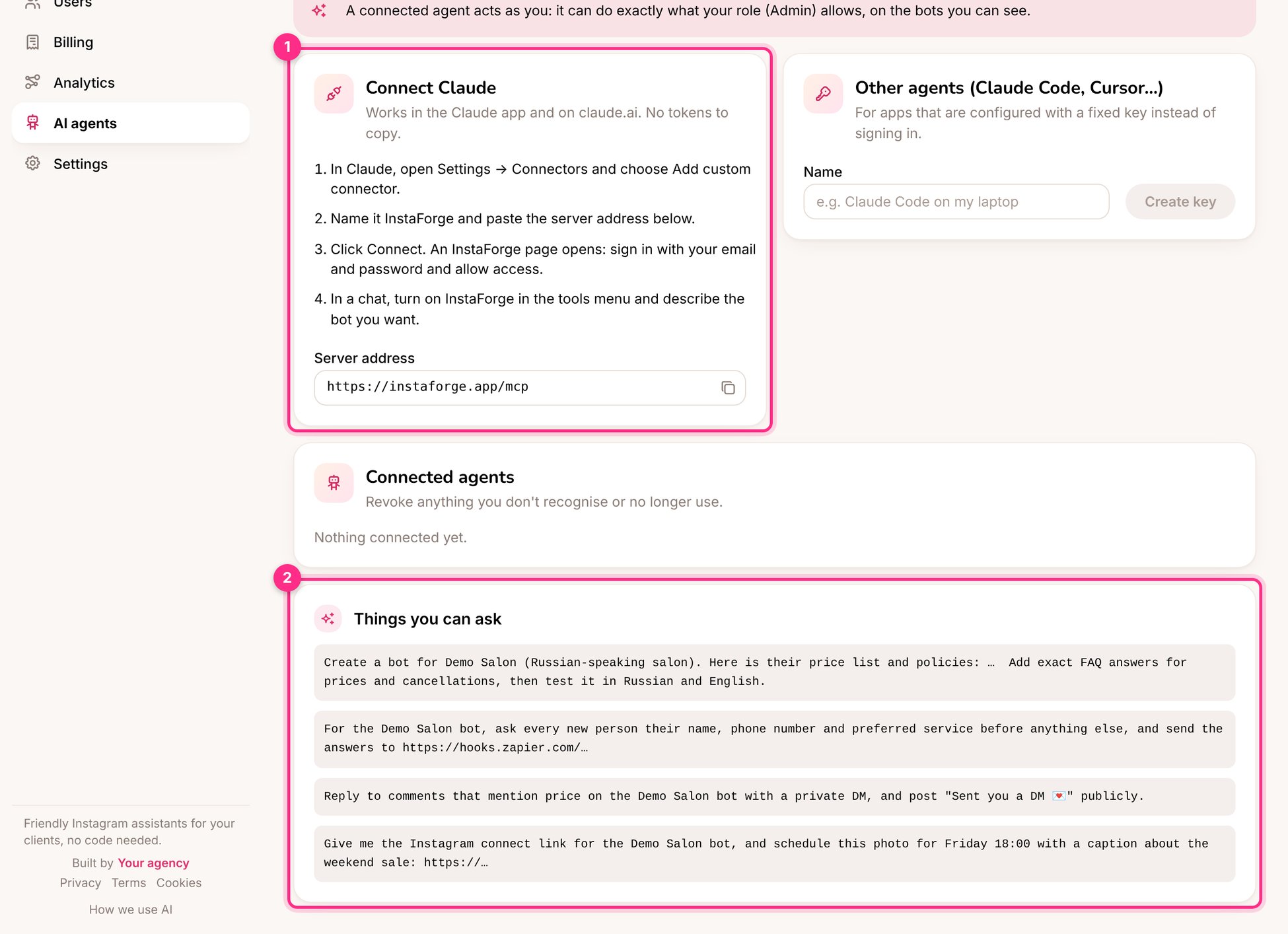
AI agents: connect Claude (1) and things you can ask (2)
Connect Claude
1
Add a connector
In Claude, open Settings → Connectors and choose Add custom connector.
2
Name it and paste the server address
Name it InstaForge and paste the Server address shown on the AI agents page.
3
Sign in
Click Connect. An InstaForge page opens: sign in with your email and password and approve.
4
Use it
In a chat, turn on InstaForge in the tools menu and describe what you want.
Things you can ask
Create a bot for Demo Salon (Russian-speaking salon). Here is their price list and policies: … Add exact FAQ answers for prices and cancellations, then test it in Russian and English.
What did the Demo Salon assistant fail to answer this week? Draft answers I can approve.
Schedule this photo for Friday 18:00 with a caption about the weekend offer.
Show me which clients haven’t paid this month.
Give Demo Salon the address portal.demo-salon.com and tell me what DNS record to send them. (Admins: see Custom domains.)