

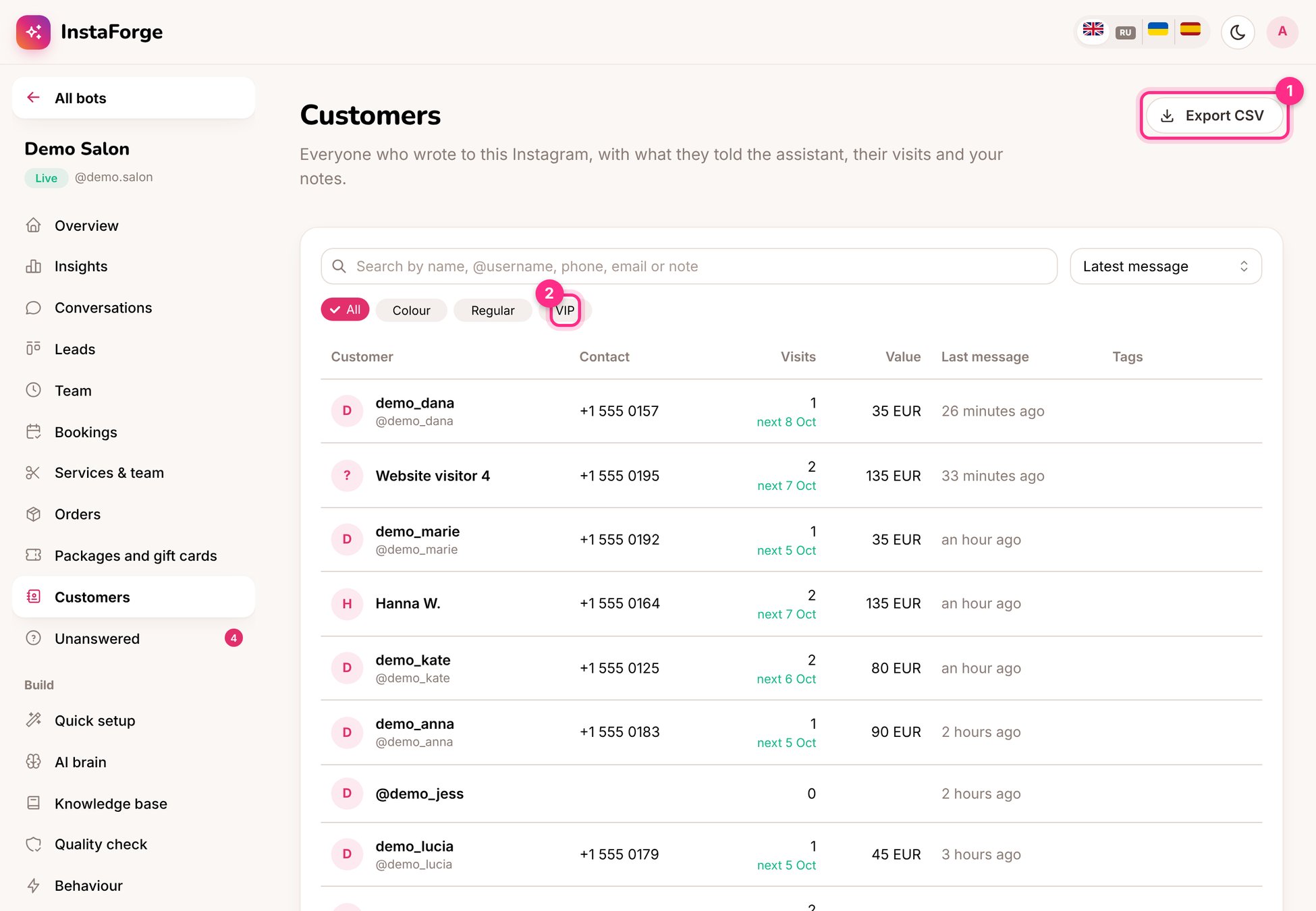
Customers: export (1) and tags (2)
What you can do
- Search and filter by tag (2), for example VIP, Regular or Colour. Tags are yours to make up.
- Open a customer to see their conversations, bookings, packages and gift cards, orders and notes.
- Export CSV (1) for a mailing tool or the client’s own records.
- Badges show packages with visits left, gift card balances and friends they invited.