

Users
See Roles and access for the roles and how to invite people.Analytics
Analytics (admins) shows how the team uses the platform, what all the assistants add up to, response times and system health.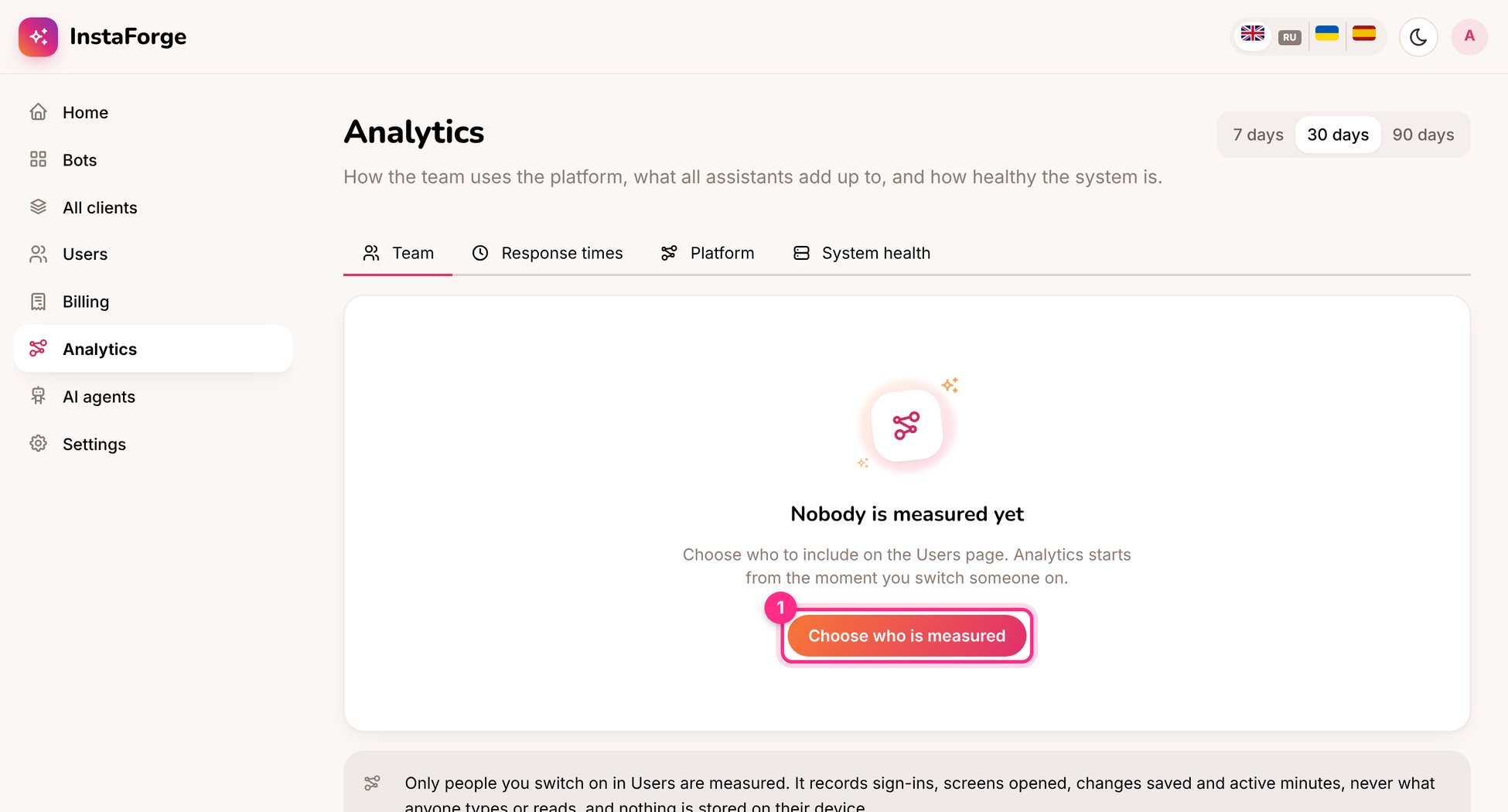
Analytics: choose who is measured
Change several at once
Add the same answer, or change the same setting, across the clients you pick.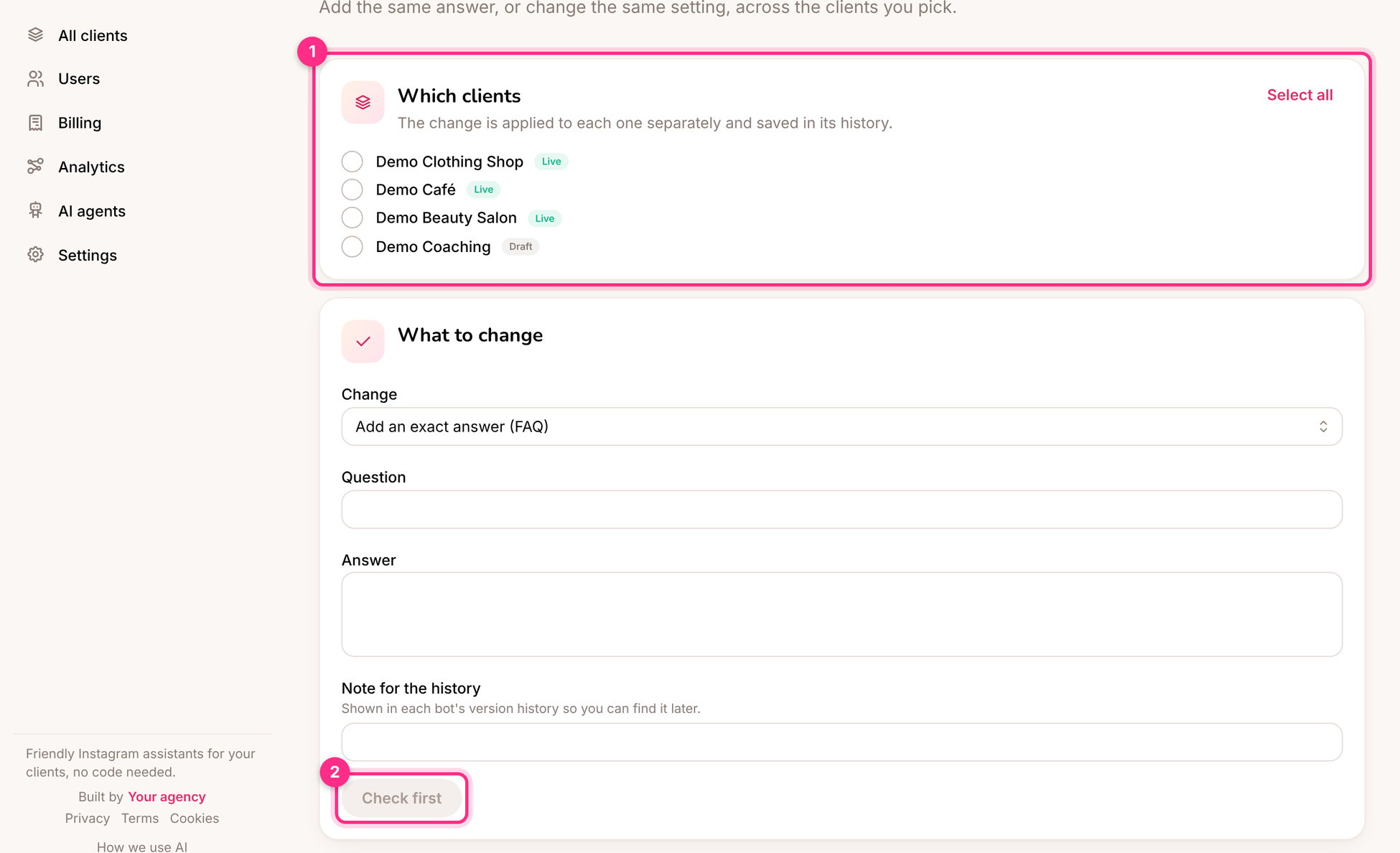
Change several at once: which clients (1) and check first (2)
1
Pick the clients (1)
Tick the clients the change is for, or Select all.
2
Choose the change
Add an exact answer (FAQ), Add to the knowledge base or Change a setting, and write a note for the history.
3
Click Check first (2)
See what will change for each client, then apply.
Each client keeps a version from before the change, so any of them can be put back from its history.