

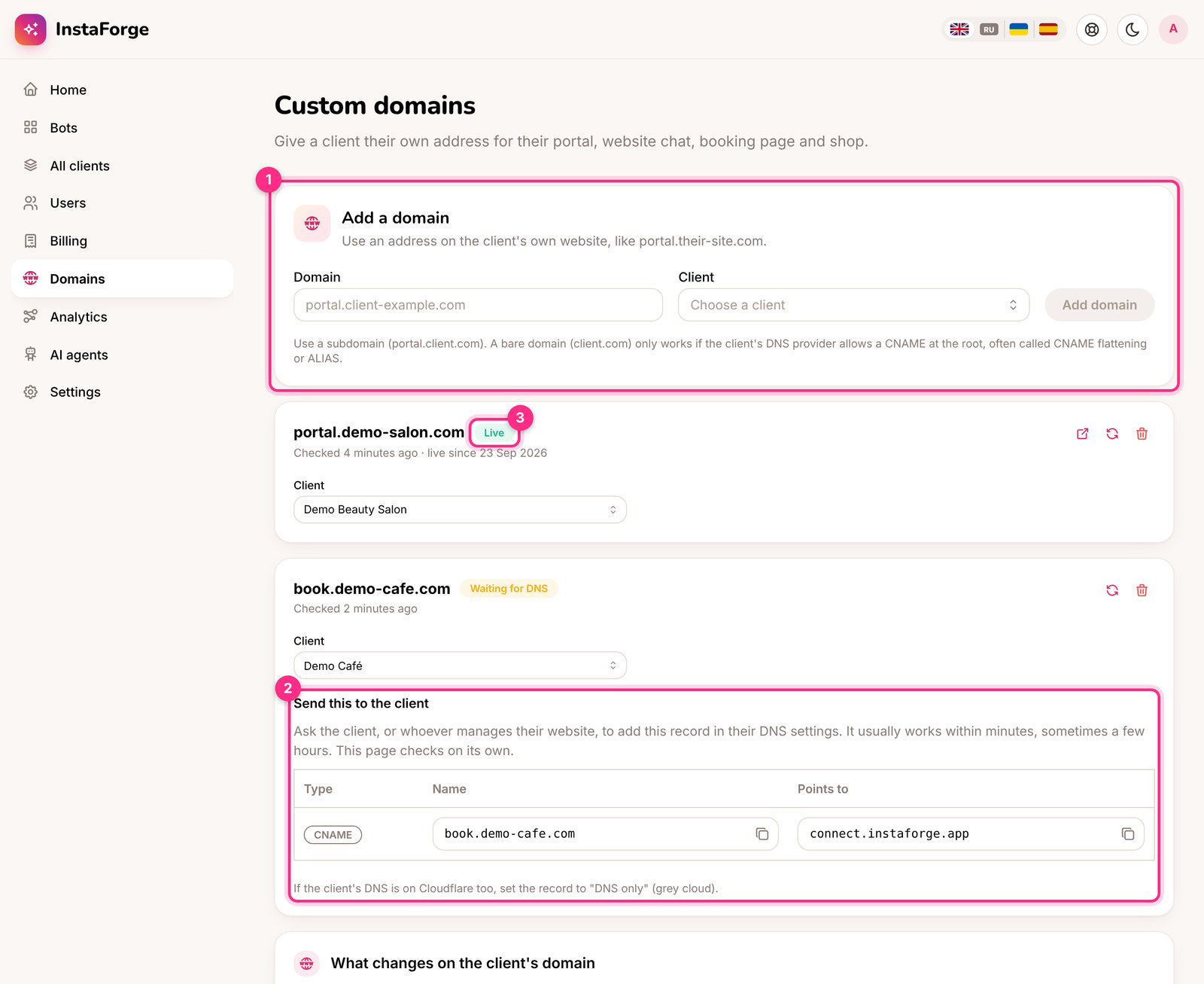
Add a domain (1), the record to send the client (2), a domain that's live (3)
Add a domain
1
Choose the address with the client
Use a subdomain of their website, like portal.their-site.com or book.their-site.com. A bare domain (their-site.com) only works if their DNS provider allows a CNAME at the root, often called CNAME flattening or ALIAS.
2
Add it on the Domains page
Type the address, pick the client and click Add domain (1). The domain appears with the status Waiting for DNS.
3
Send the client the DNS record
Under Send this to the client (2) there’s one record with copy buttons: a CNAME with the client’s address as the name, pointing to connect.instaforge.app. The client, or whoever manages their website, adds it in their DNS settings.
4
Wait for it to go live
The page checks on its own. Once the record is found the status changes to Getting certificate, and a few minutes later to Live (3). Click the refresh button to check straight away.
What changes on the client’s domain
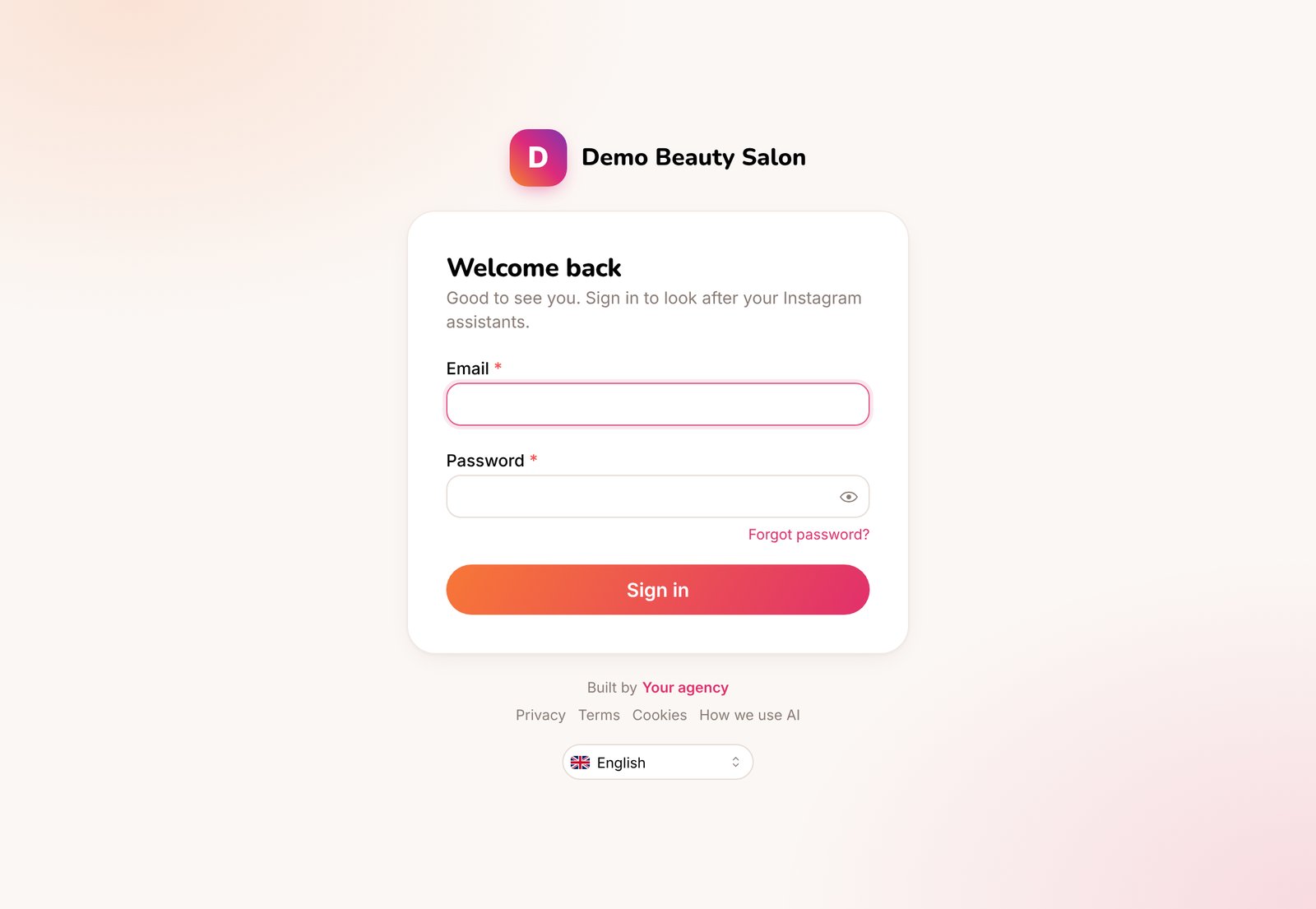
The sign-in page on a client's domain
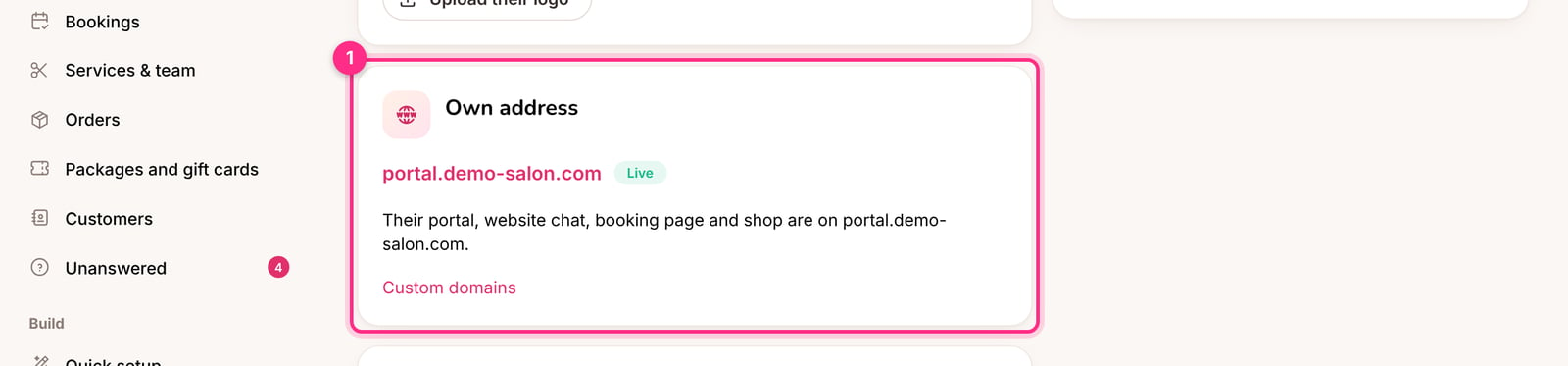
The client's address on the Client portal page
Who can sign in there
On a client’s domain, only that client’s business owners and your own team can sign in. A business owner of another client gets a message to sign in on their own address. On the platform’s own address everyone signs in as before.What stays on the platform’s address
Connecting Instagram and signing in with Google always happen on the platform’s own address, because Meta and Google only accept addresses registered with them in advance. This takes a second and the client doesn’t need to do anything.Change or remove a domain
- Move it to another client: pick the client in the domain’s Client field. Nothing changes in DNS.
- Remove it: click the bin. The address stops working and the client’s links go back to the platform’s address. The client can then delete their DNS record.
It has said Waiting for DNS for hours
It has said Waiting for DNS for hours
Check the record with the client: the type must be CNAME, the name must be exactly the address you added, and it must point to connect.instaforge.app. Some DNS providers want only the first part as the name (portal instead of portal.their-site.com). If their DNS is on Cloudflare, the record must be DNS only.
It says Problem
It says Problem
The domain’s card shows what Cloudflare reported. Most often the record was removed or points elsewhere. Fix the record and click the refresh button, or remove the domain and add it again.
Does the client pay anything?
Does the client pay anything?
No. The address is theirs, and the certificate is issued and renewed automatically.